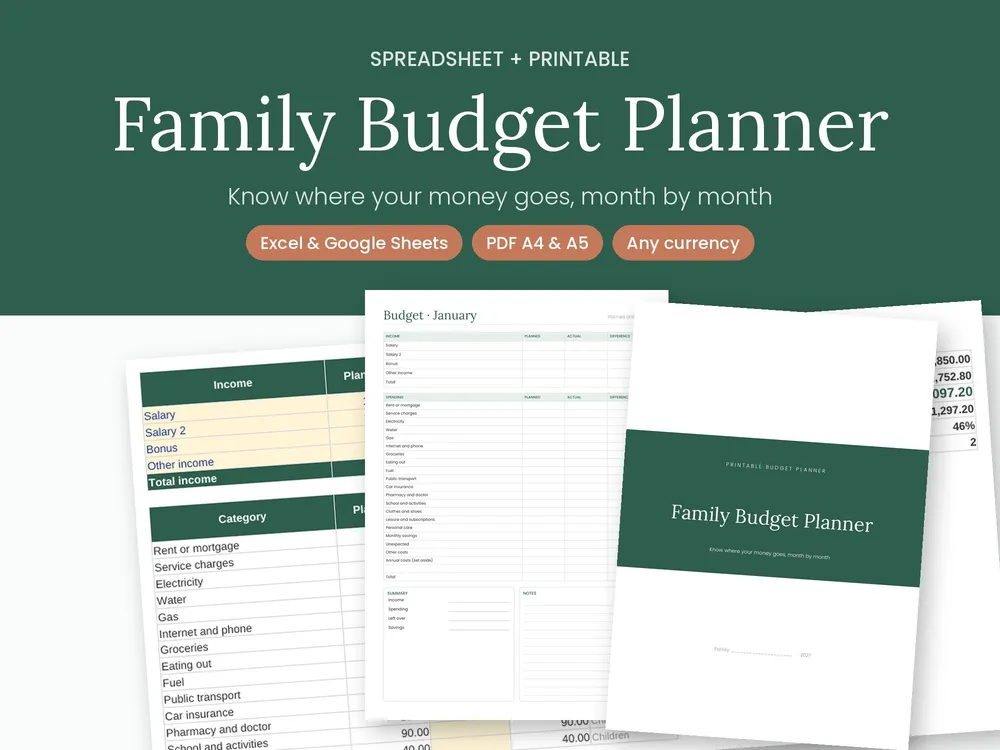
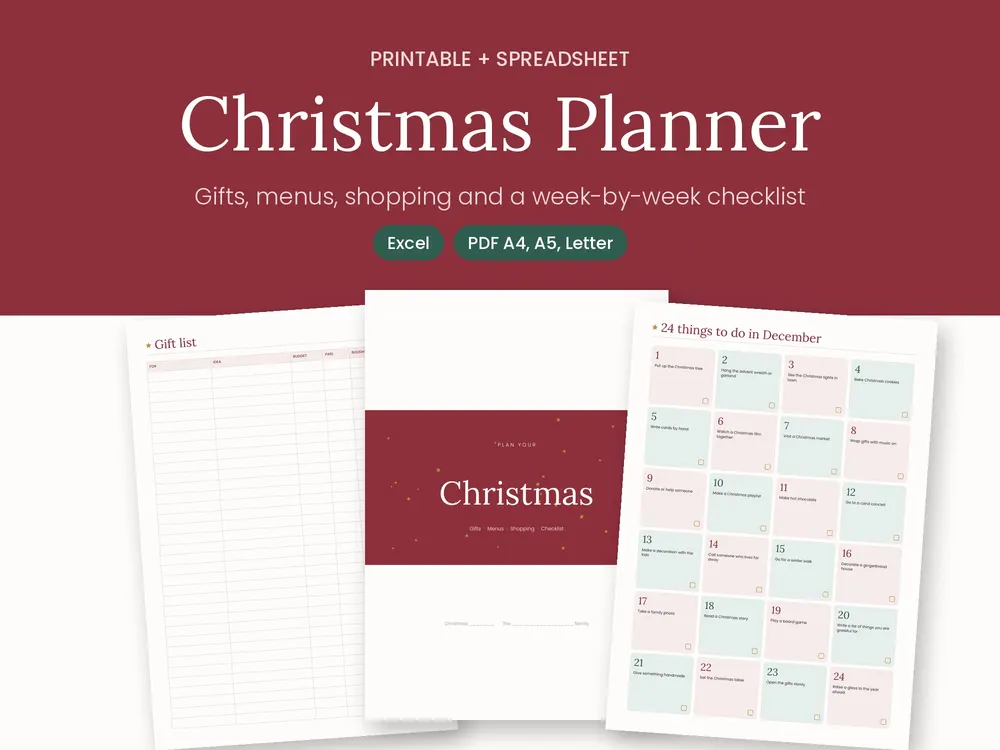
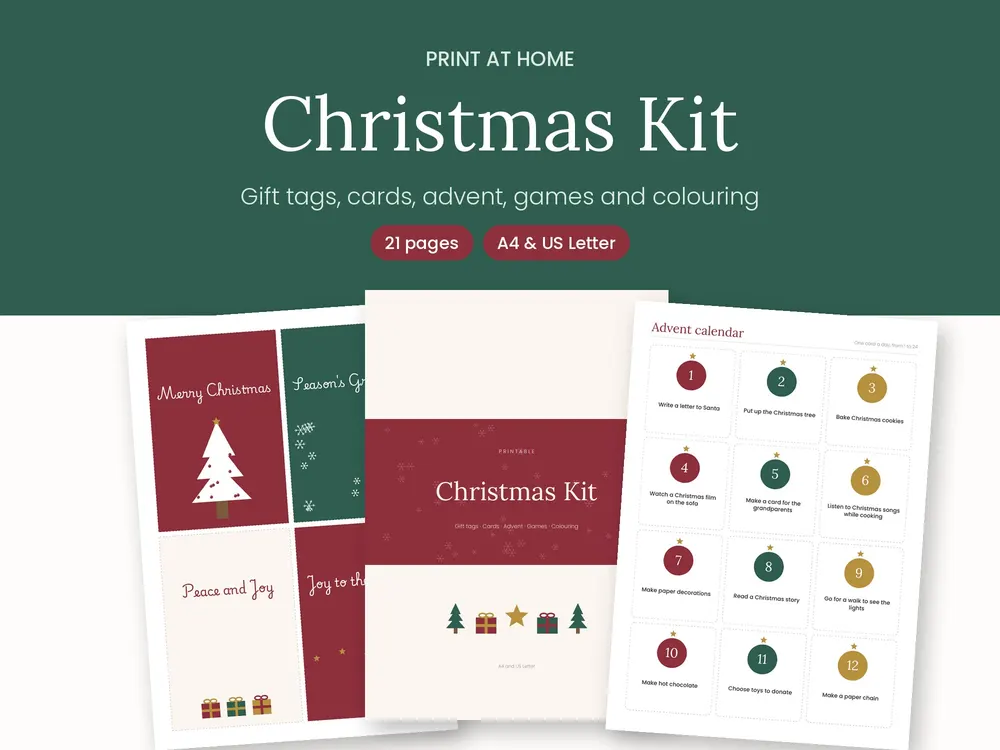
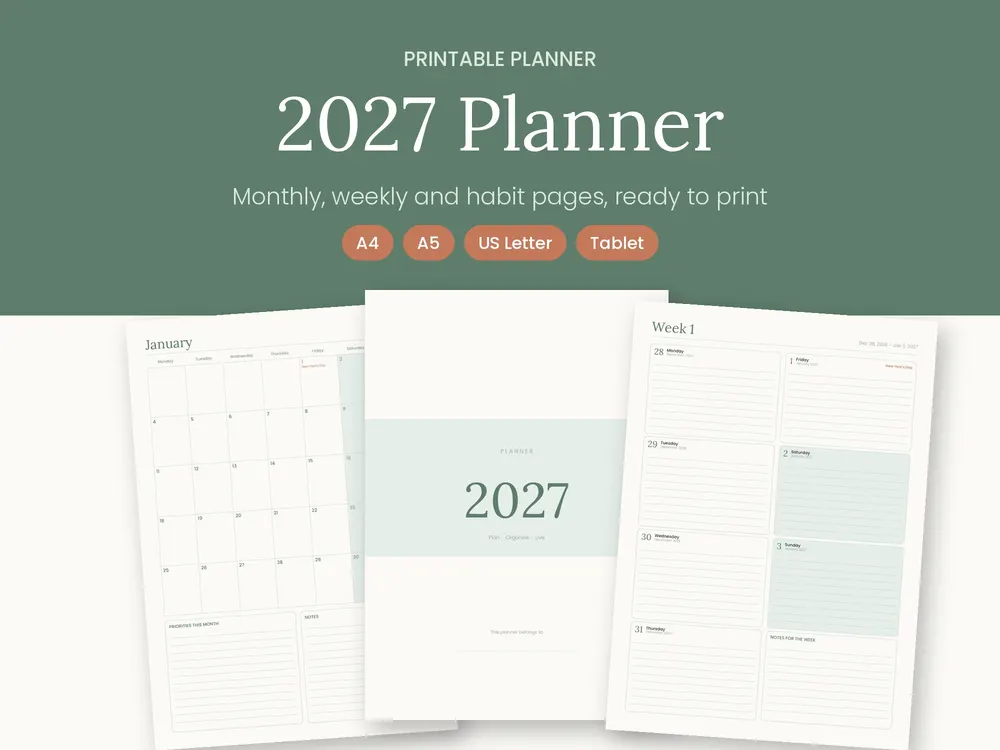
Know where your money goes, month by month. Enter what comes in and what you spend, and the spreadsheet does the sums: what's left, how much you save and where you overspend.
Yes. Amounts have no currency symbol, so it works with euros, pounds, dollars or any other currency.
Can I change the budget categories?
Yes. You can change, add or delete categories and set what you plan to spend each month; every monthly sheet picks them up automatically.
Does it help with bills that only come once a year?
Yes. The Annual costs sheet spreads big yearly bills over 12 months, so you know how much to set aside each month.
How do I get my files?
Right after payment, your files are ready to download. Nothing is shipped.
What language are the files in?
Most are in Portuguese. Products in the “English editions” section are fully in English.
Does the Excel file work on Windows, Mac or Google Sheets?
Yes. It works in Excel for Windows and Mac and in Google Sheets. In Numbers the formulas work but the look may change a little.
Can I print more than once?
Yes, as often as you like, for personal or family use. Choose “Actual size” or “100%” when printing.
Can I share or resell the files?
No. Products are for personal use. For a business or school, get in touch.
How can I pay?
By card, Apple Pay, Google Pay and other methods shown at checkout, depending on your device. You pay right here on the site, securely, through Stripe.
Do you issue invoices?
Yes, we issue an invoice for every paid order. If you want your tax number on it, add it at checkout. The invoice is available in your account on crizart.com.
Do you offer refunds?
Yes, if a file doesn't work or isn't as described. Email [email protected] within 14 days of your purchase and we'll fix it or refund you. The legal conformity guarantee for digital content always applies. The 14-day right of withdrawal only ends if you gave express consent to immediate delivery; the details are in our terms of sale.