crizart everything in its place
Guide · 04/11/2026 · by Cristiano
How to Make a Monthly Budget Spreadsheet, Step by Step
A simple step-by-step guide to a monthly budget spreadsheet: income, fixed and variable costs, sinking funds, planned vs actual and a 5-minute weekly check-in.
A budget is not a list of things you are no longer allowed to buy. It is a plan for your money, written down before the month starts, so that you decide where it goes instead of wondering where it went. A plain spreadsheet and a few minutes a week are all you need.
This guide walks you through building one from scratch. It works in any currency and for any household, whether you live alone, share a flat or have a family to feed.
1. Start with your income
Write down the money that actually reaches your account each month, after tax and any deductions. Include:
- Your salary or wages, and those of anyone else who contributes to the household.
- Freelance or self-employed income (use an average of recent months, and set aside what you will owe in tax).
- Benefits, pensions or allowances.
- Any other regular income, such as rent from a lodger.
If your income changes from month to month, build the budget around a low month. Anything above that is a bonus you can put towards savings, not money to count on.
2. List your fixed costs
Fixed costs are the bills that stay roughly the same every month and that you have to pay whatever happens:
- Rent or mortgage.
- Energy, water, internet and phone.
- Insurance you pay monthly.
- Loan or credit card repayments.
- Childcare, travel passes and subscriptions.
Your bank statements from the last two or three months are the quickest way to find them all. While you are there, cancel any subscription you had forgotten about.
3. Estimate your variable costs
Variable costs change from month to month and are where most budgets go off track: groceries, fuel, eating out, clothes, gifts, hobbies and the odd trip to the pharmacy. Look back at what you spent on each in recent months and use that as a starting point, not a wish. Food is usually the biggest one, and planning meals for the week is one of the easiest ways to bring it down.
4. Add sinking funds for annual costs
The bills that come once a year are the ones that wreck a budget, because they are easy to forget until they arrive. A sinking fund is a small amount you put aside every month so the money is already there when the bill lands.
- List every cost that comes once or twice a year: car insurance or servicing, annual subscriptions, birthdays, holidays, Christmas, school uniforms, a new pair of glasses.
- Write down roughly what each one cost last time.
- Divide the total by 12. That is your monthly sinking fund contribution.
Treat this line like any other bill. Some people keep it in a separate savings account so it does not get spent by accident.
5. Plan every category before the month starts
Now set up the spreadsheet itself. One row per category and three columns are enough:
- Planned: what you expect to spend.
- Actual: what you really spent.
- Difference: planned minus actual, so you can see at a glance where you went over.
Add up the planned column and take it away from your income. If the result is negative, trim the variable categories first. If there is money left over, give it a job: savings, an emergency fund or paying off a debt faster. Put savings near the top of the list, as if it were a bill, rather than hoping something is left at the end.
6. Use the 50/30/20 rule as a reference
If you are not sure how to split your income, the 50/30/20 rule is a handy starting point: around 50% on needs (housing, bills, food, transport), 30% on wants (eating out, hobbies, treats) and 20% on savings and paying off debt. It is a guide, not a law. If your rent alone takes more than half your income, the split will look different, and that is fine. What matters is that the plan adds up and that savings have a place in it.
7. Do a 5-minute check-in every week
A budget nobody looks at is just a list of good intentions. Pick a day, say Sunday evening, and spend five minutes on this:
- Open your banking app and add the week’s spending to the Actual column.
- Look at the Difference column and spot any category that is running ahead.
- Decide on one small change for the coming week, such as one fewer takeaway or a shopping list before the supermarket.
Doing it weekly means you catch problems while there is still time in the month to fix them.
8. Review the month and adjust
At the end of the month, compare the totals. Did you spend more than planned on food? Less on transport? Move the numbers to match real life and carry the lessons into next month’s plan. Most people need two or three months before the figures feel right, so do not give up if the first month does not balance.
Templates to get you started
If you would rather not build the sheet yourself, download the free monthly budget spreadsheet. You type what you planned and what you spent, and the summary shows your total spending, what is left and your savings rate, and flags the categories that went over. It works in Excel, Google Sheets and on Mac, with a printable A4 page, and has no currency symbol so it works with any currency.
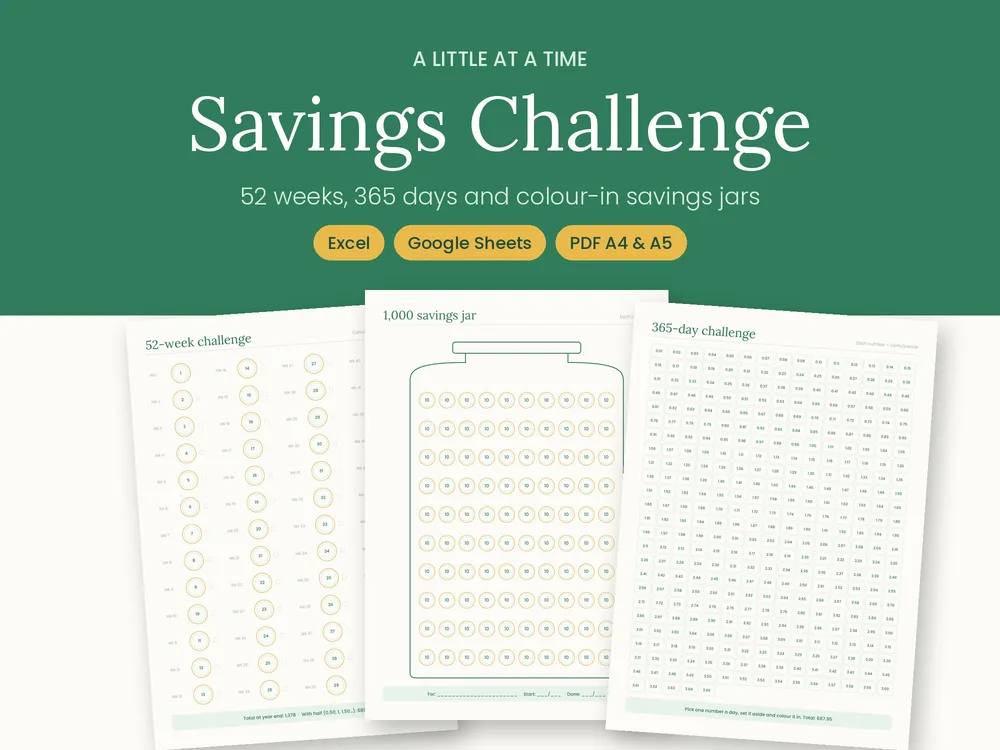
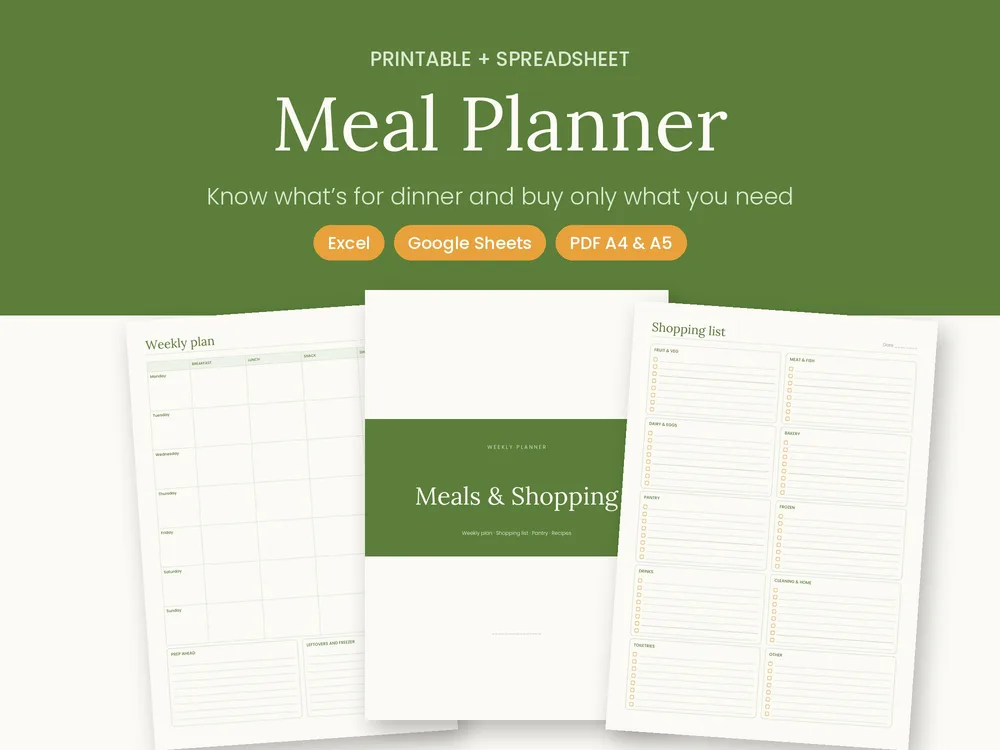
Once the budget leaves room to save, the Savings Challenge 2027 turns it into something you can see: a 52-week challenge, a 365-day challenge, a 100-envelope challenge and savings jars, with an Excel file that tracks your goals and progress. And if groceries keep blowing the budget, the Meal Planner & Shopping List helps you plan the week, shop with a list and compare monthly food spending against your budget.